Search your SharePoint recycling bin. Actually find what you deleted.
Real search. Real filters. Real pagination across your Stage 1 and Stage 2 SharePoint recycling bins. Stop scrolling, start finding.
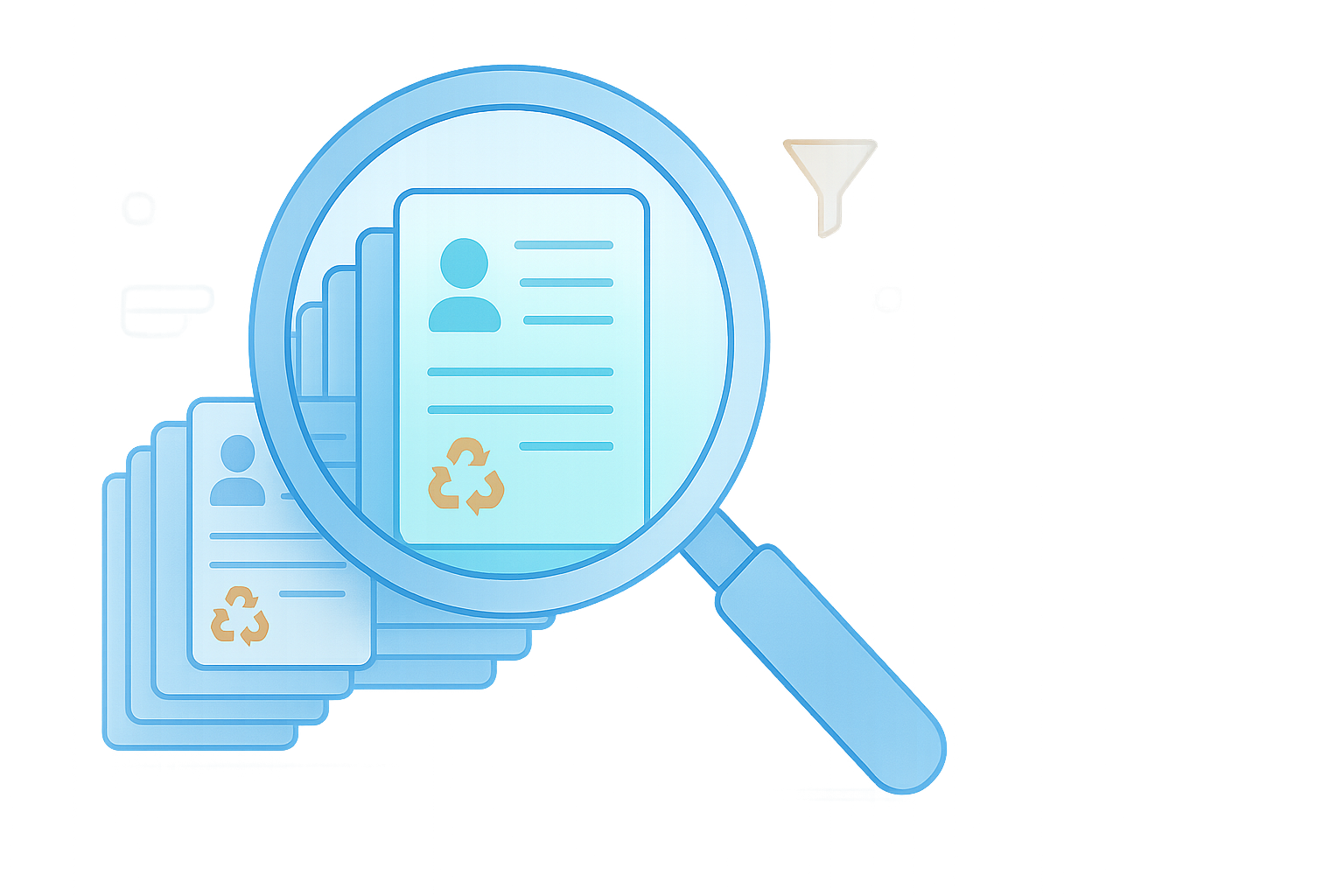

The native SharePoint recycling bin wasn't built for finding.
- There's no search. None. You can't type anything in.
- There are no filters. Not by who deleted it, when, or from where.
- It's one long infinite-scroll list. Good luck at page 40.
- No way to see a summary of what’s there.

Search that actually searches.
Type anything: a filename, a folder name, the person who deleted it, the person who created it. We search across every relevant field at once.
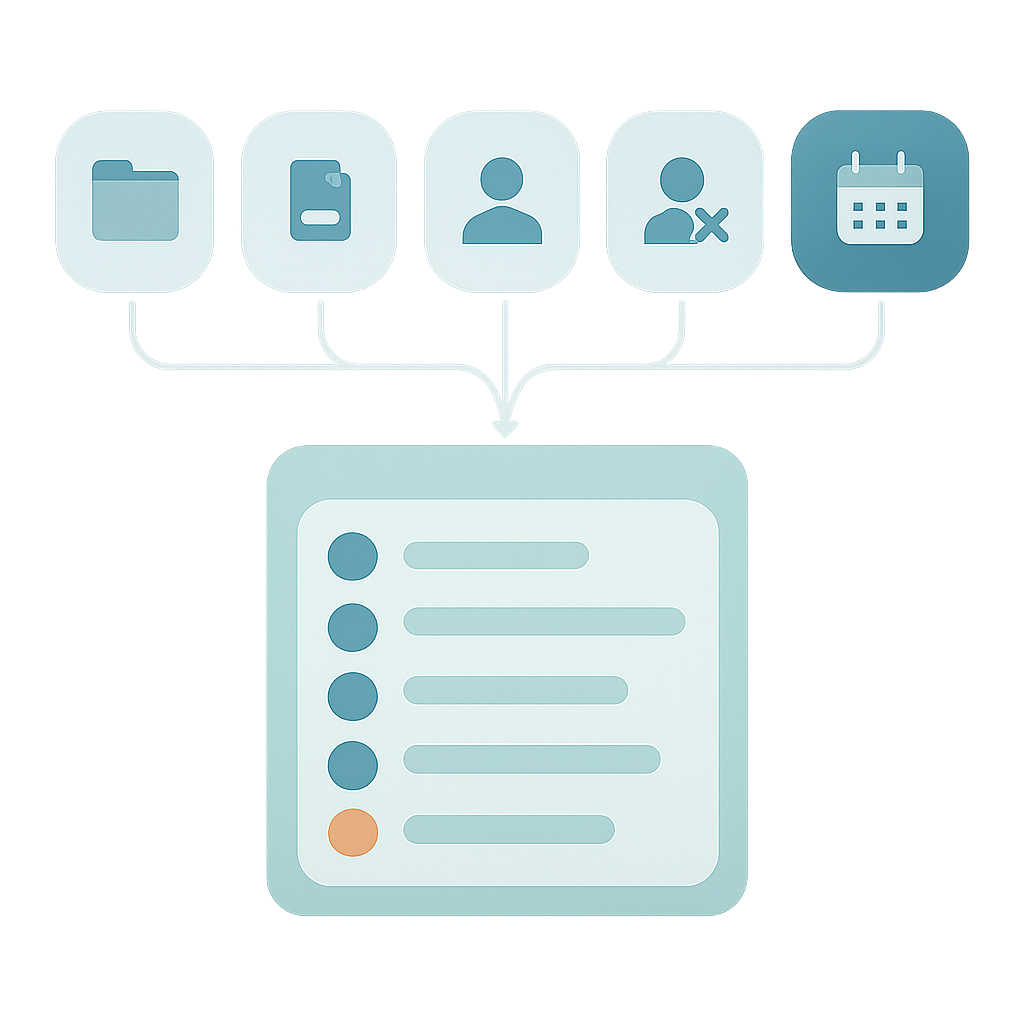
Filters that make sense.
Narrow by what you remember. The original folder (autocompletes as you type). The item type. The person who deleted it. The week it happened. Combine them. Clear them in one click.

Proper pages, not infinite scroll.
A clean, paginated table. Pick your page size. Jump to any page. See your progress at a glance. Find your place and keep it, without losing your scroll position every time you look away.
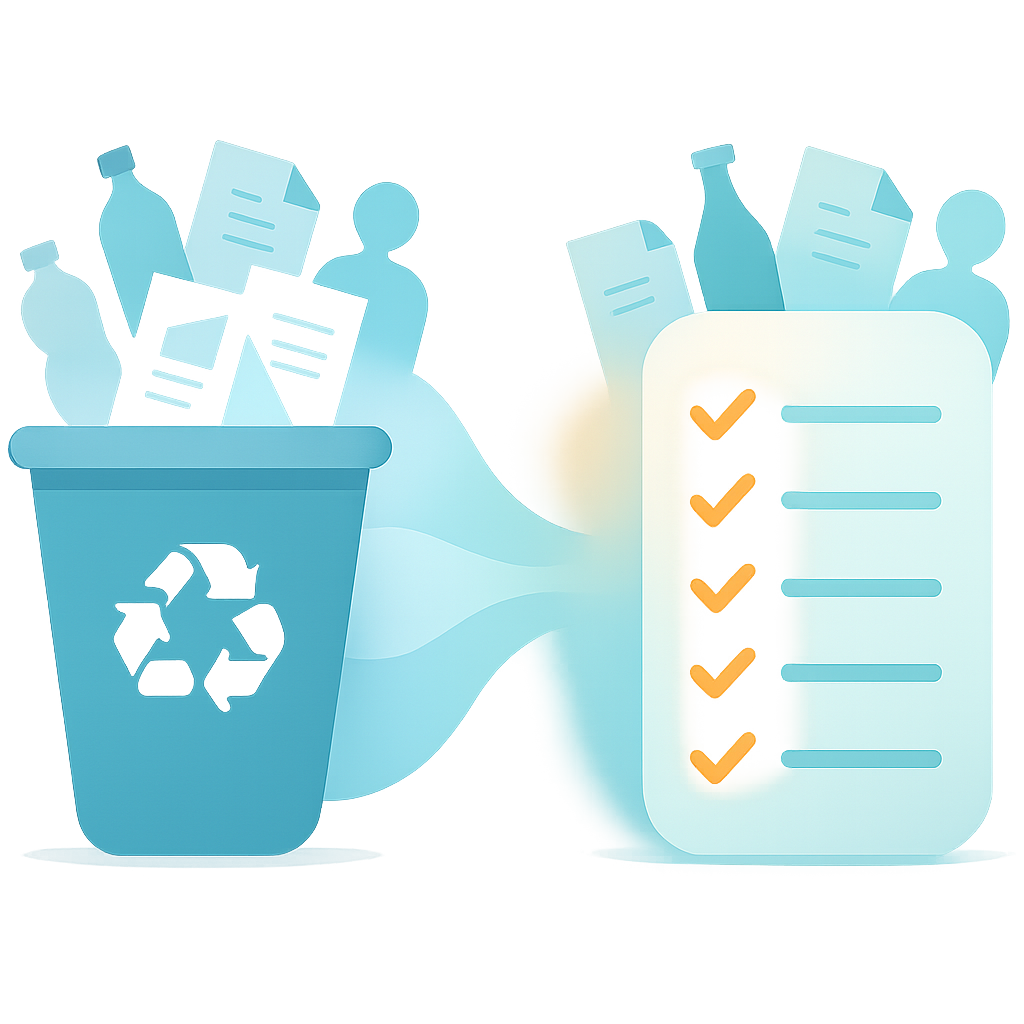
Stage 1 and Stage 2, together.
Your Stage 1 recycling bin and your Stage 2 (site collection) recycling bin, in the same filtered view.
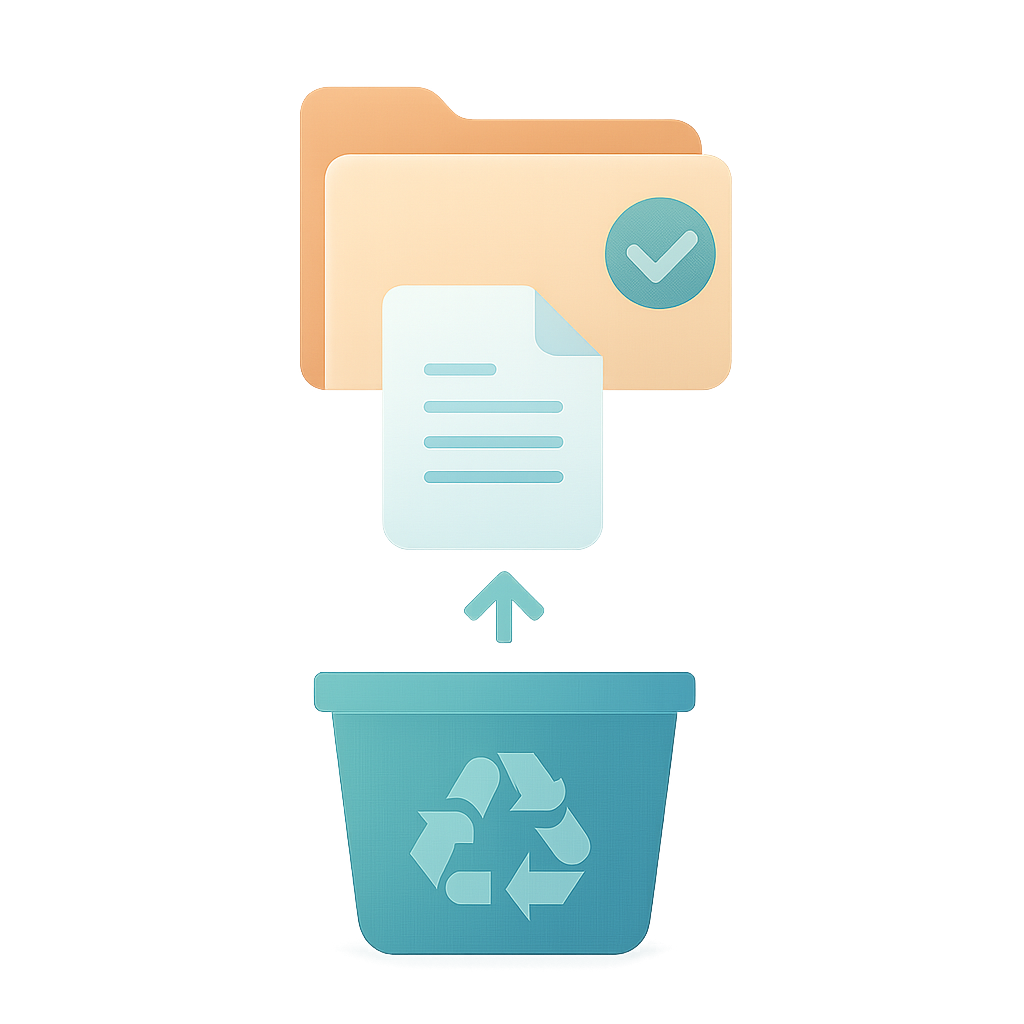
Restore. Once you've found it.
When you know what you want back, one click restores it. Pick a few items or all items matching your current filter, and choose how we handle conflicts at the destination. Restore is a convenience. Finding is the feature.
Permanently delete. Free.
Found something that should never have been kept? Purge it from Stage 1 and Stage 2 in one click. We cascade stage-1 items through to full removal, type DELETE to confirm, and it is free, no credits required.
CSV audit report. Also free.
Every restore job and every delete job produces a downloadable CSV listing every item, its outcome, and the message SharePoint returned. Useful for audit trails, change-control, or proving to your compliance officer that it actually happened.
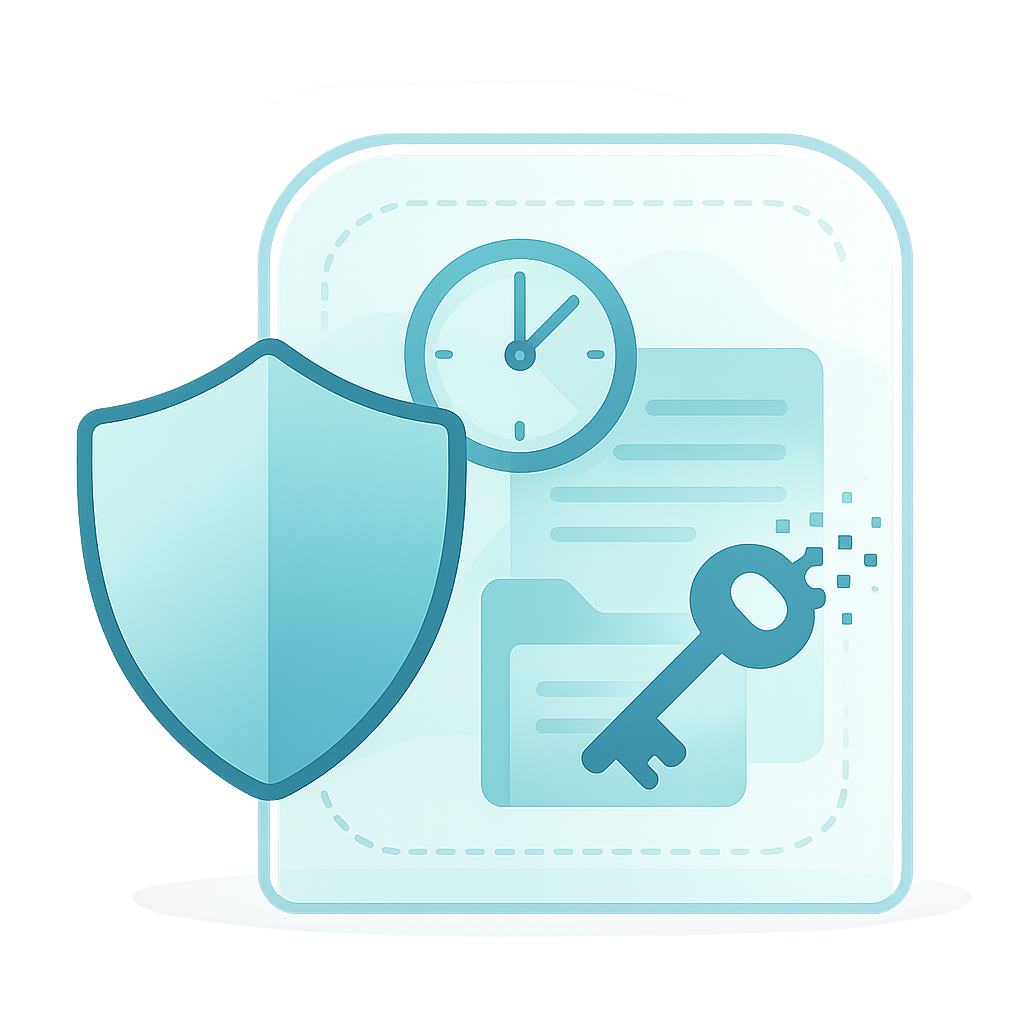
Session-scoped. Delegated. Gone when you are.
Delegated permissions only. Your SharePoint data lives in an encrypted session that is purged when you disconnect or log out. We never keep your tokens. We never keep your files.
Stop scrolling. Start finding.
Free trial: one restore, up to 5 items, per SharePoint tenant. See pricing.